

BluBilling, BluSynergy’s automated subscription billing solution, makes it simple for you to manage and optimize your subscription billing, allowing you to put more profit in your bottom line, better serve your clients, and empower your customer service and sales teams.







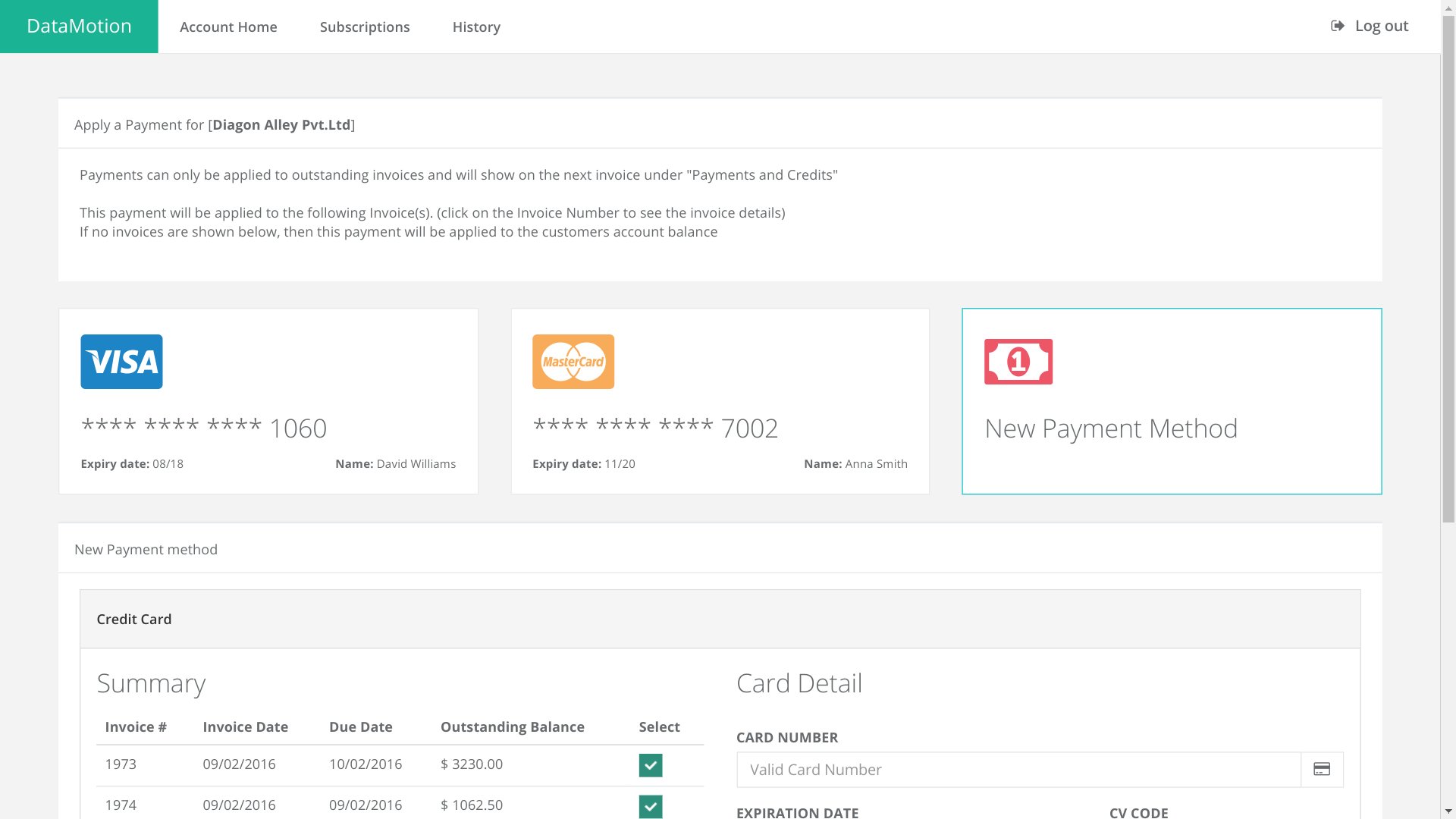
Automated Subscription Billing Service Plans & Charges
Finance can implement and fine-tune pricing models without IT support. Advanced billing models are easily implemented, with the changes reflecting in instantly across order management, billing, CRM, ERP, customer enrollment and customer self-service functions.
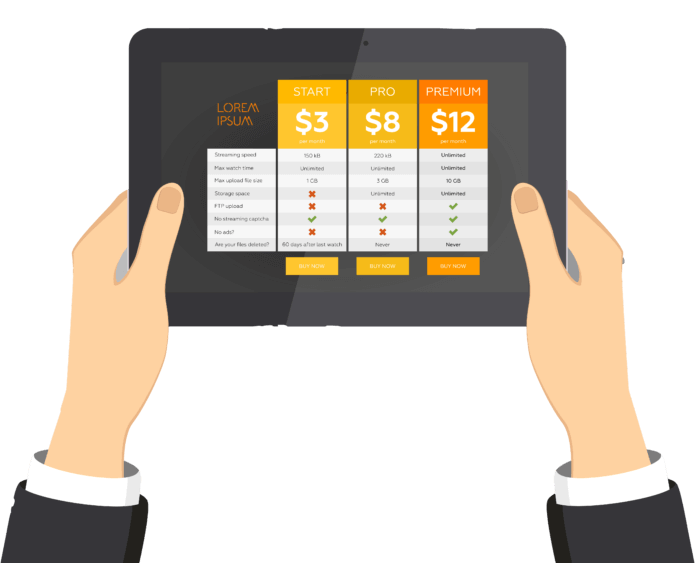 Rich variety of charging models includingone-time, recurring, usage-based or date/schedule based charges
- Usage charges are used for consumption-based metered billing and have multiple variants including rollover of unused quantities to the next billing cycle
- Fixed and variable price plans including advanced options such as Tiered Pricing, Surcharges, Overage Pricing and Cumulative Pricing Tiers
- Upsell your subscriptions with bundled products and add-on options
- Flexible billing periods including weekly, monthly, quarterly, annual, etc.
- Recapture lost revenue with pro-rating for mid-month signups
- Go global with multi-currency capability
- Incentivize with flexible discounts and promotions
- Easy-to-use interface makes it a snap to change your pricing strategy
- Manage sales tax compliance and map to general ledger accounting codes
Automated Subscription Billing Customer Accounts
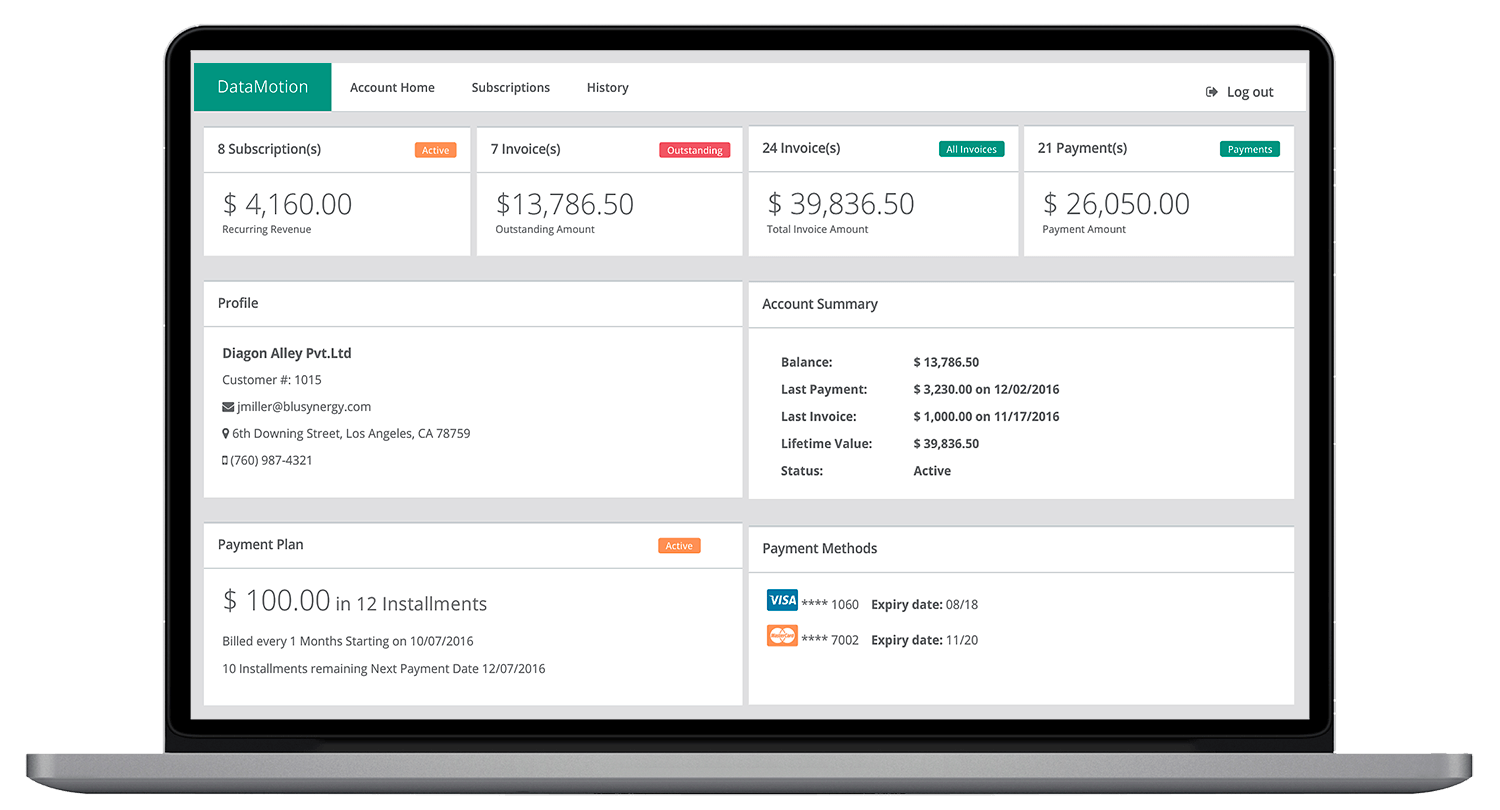
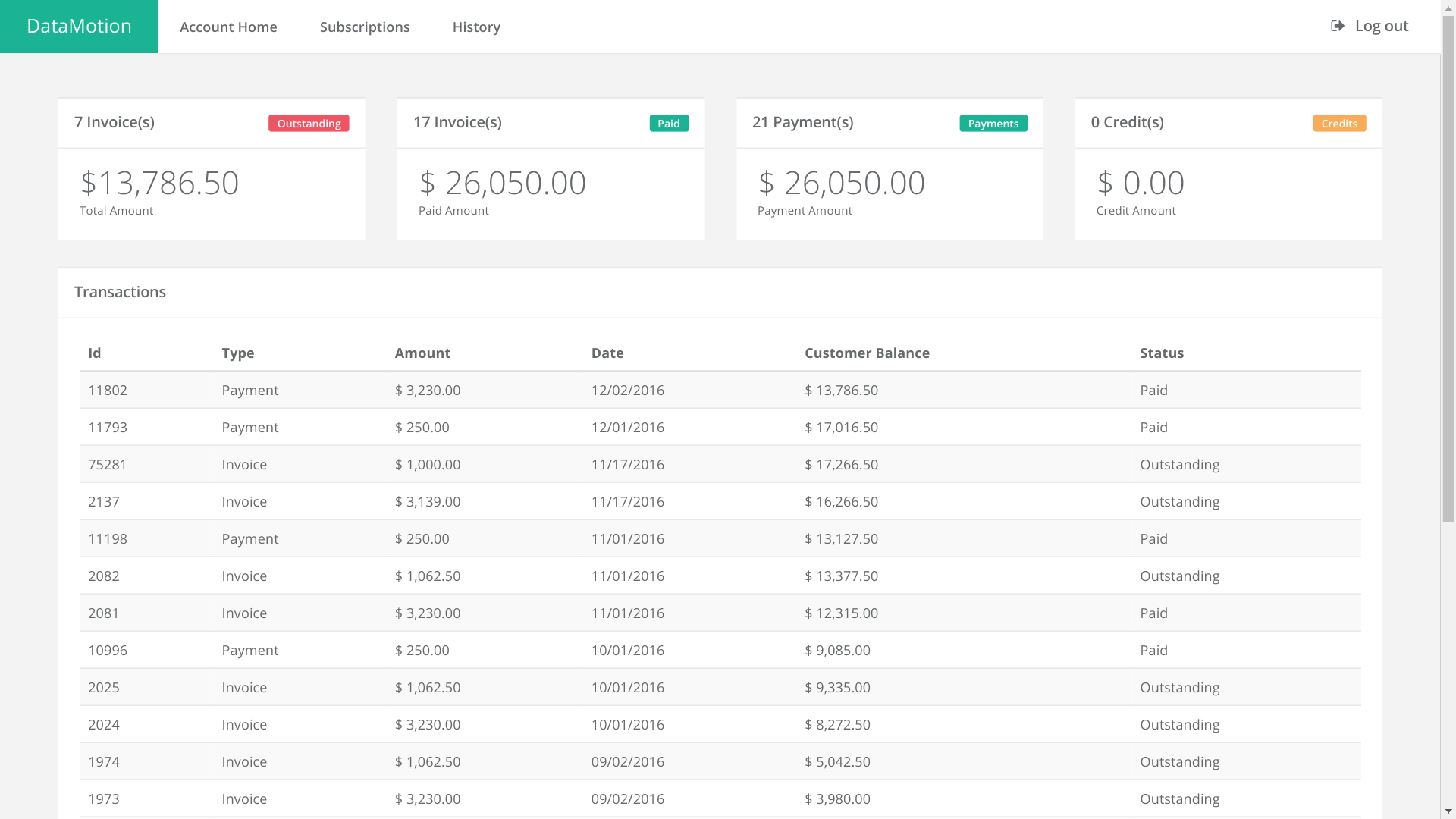
BluBilling tracks and manages subscription orders, customer transactions, and financial activity throughout the customer life cycle.

- Customers can switch, upgrade or downgrade options associated with their current plan
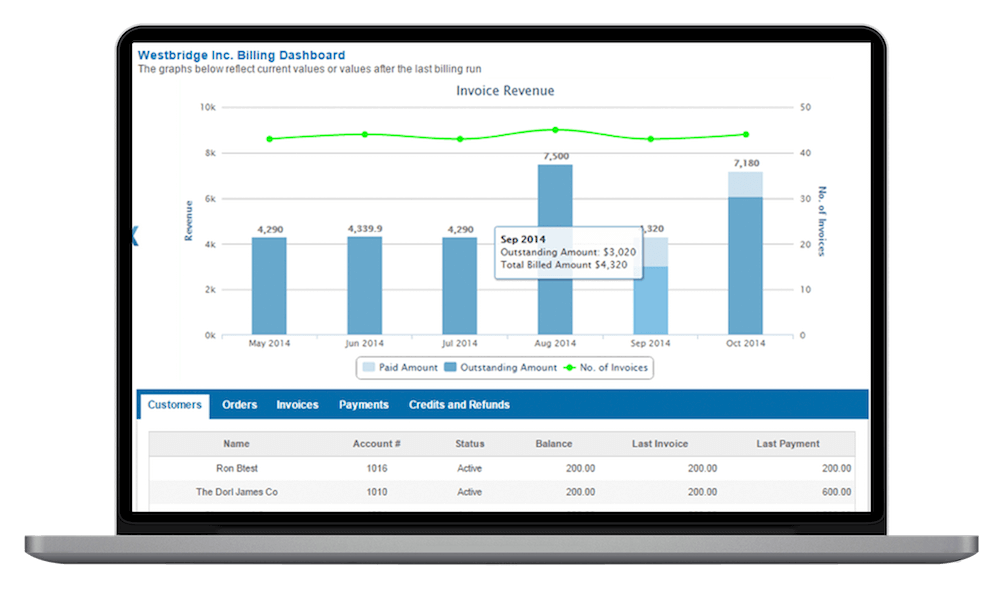
- Reporting and audit trail tools provide access to client information including lifetime customer value, last invoice, payment received, and balance at a glance
- Deep visibility into client activity provides the information required to optimize the customer experience and improve customer retention
- API synchronizes company and customer data with other enterprise applications, including CRM software
- Selection of currency and statement formats are simple to designate
- Level 1 ticketing capabilities with Customer Notes and Reminders
Customer Subscription Billing Self Service
Give your customers flexible options for self service account management and billing. No more wasting time or resources on simple account inquiries or accepting payments.
 Customers can sign up for paperless billing or receive notification text messages (SMS) on their mobile phone
- Customers access your branded website
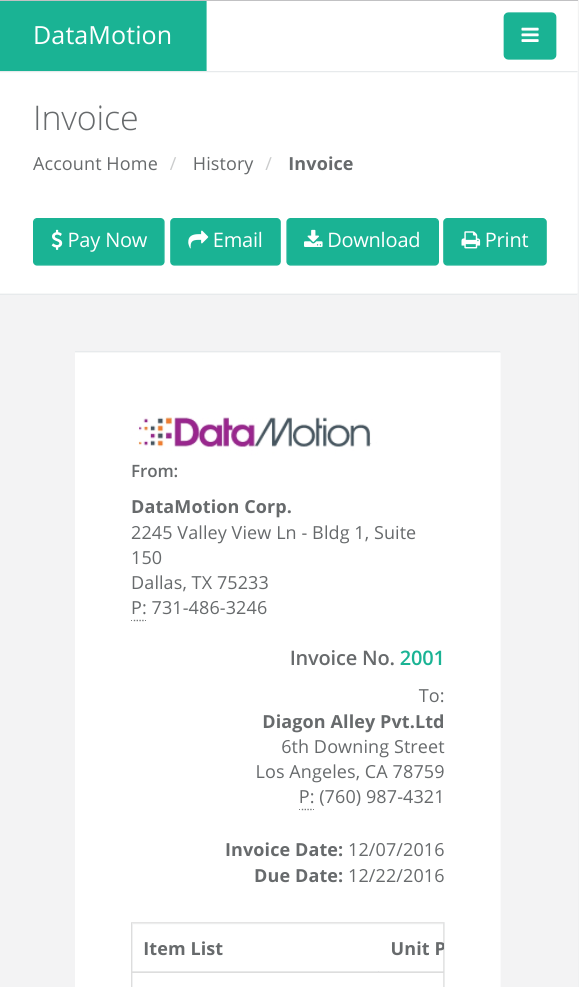
- Mobile device capability
- Set up autopay with credit cards and bank accounts
- Make electronic payments
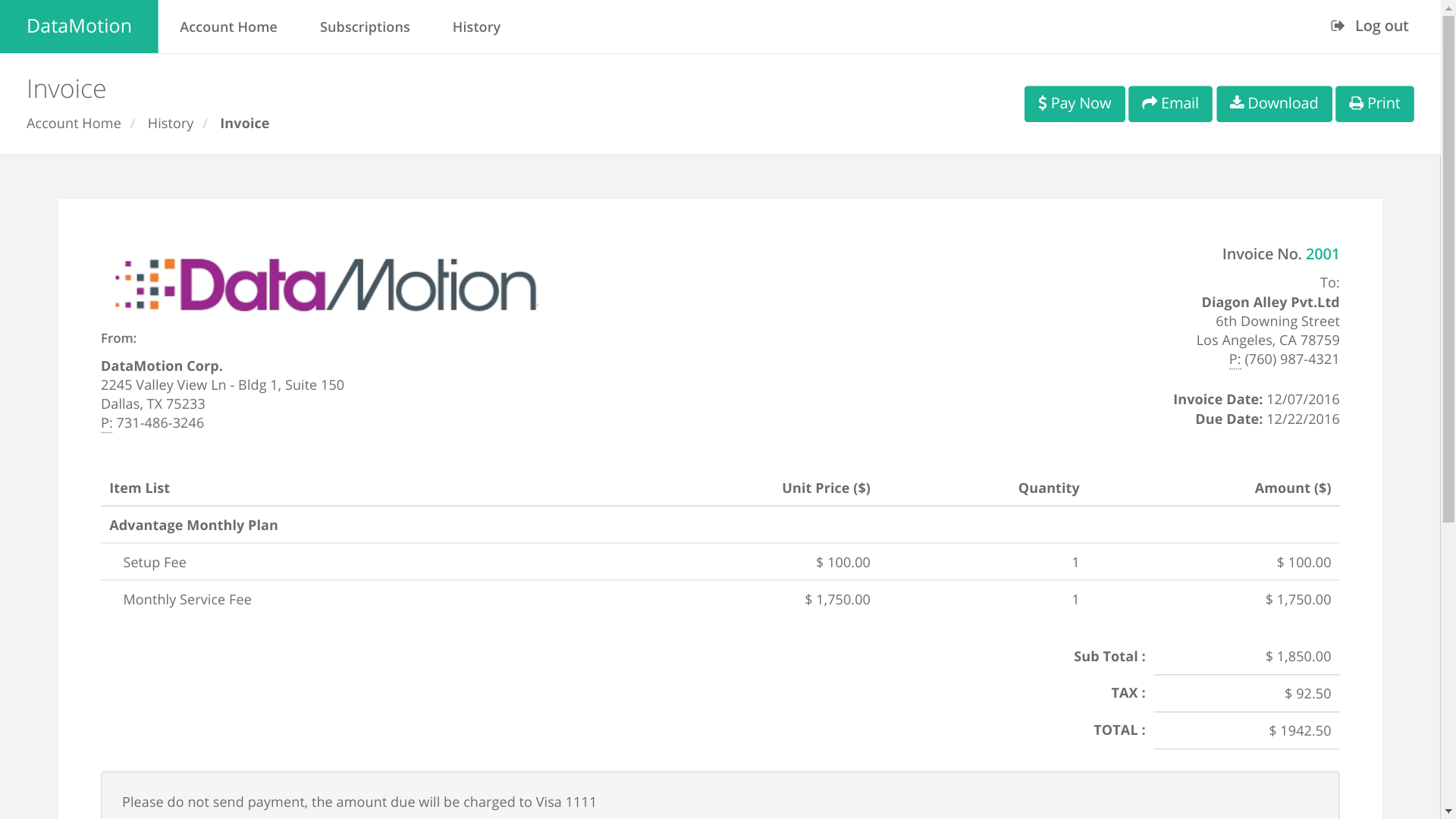
- Review and download previous statements
- Perform account management activities such as contact information change, reset forgotten passwords, etc.
Order Management
The BluBilling system gives you the freedom to perform frictionless order management. Customers can self-enroll on your website, sales personnel can take orders in their CRM, and customer service reps can use the administrator portal to handle orders changes.

- Manage customer subscriptions easily including free trials, order terms and renewals
- Subscription orders associate a customer with a subscription plan including quantities, discounts, start and end dates, and payment terms
- Reporting functions provide visibility into recurring revenue and growth rates
- Change order capability includes lineage for tracking and auditing
- Customer notification tools simplify client communication and improve customer satisfaction
- Multi-currency support provides the ability to bill in the appropriate currency
- Specify billing frequency and associated parameters
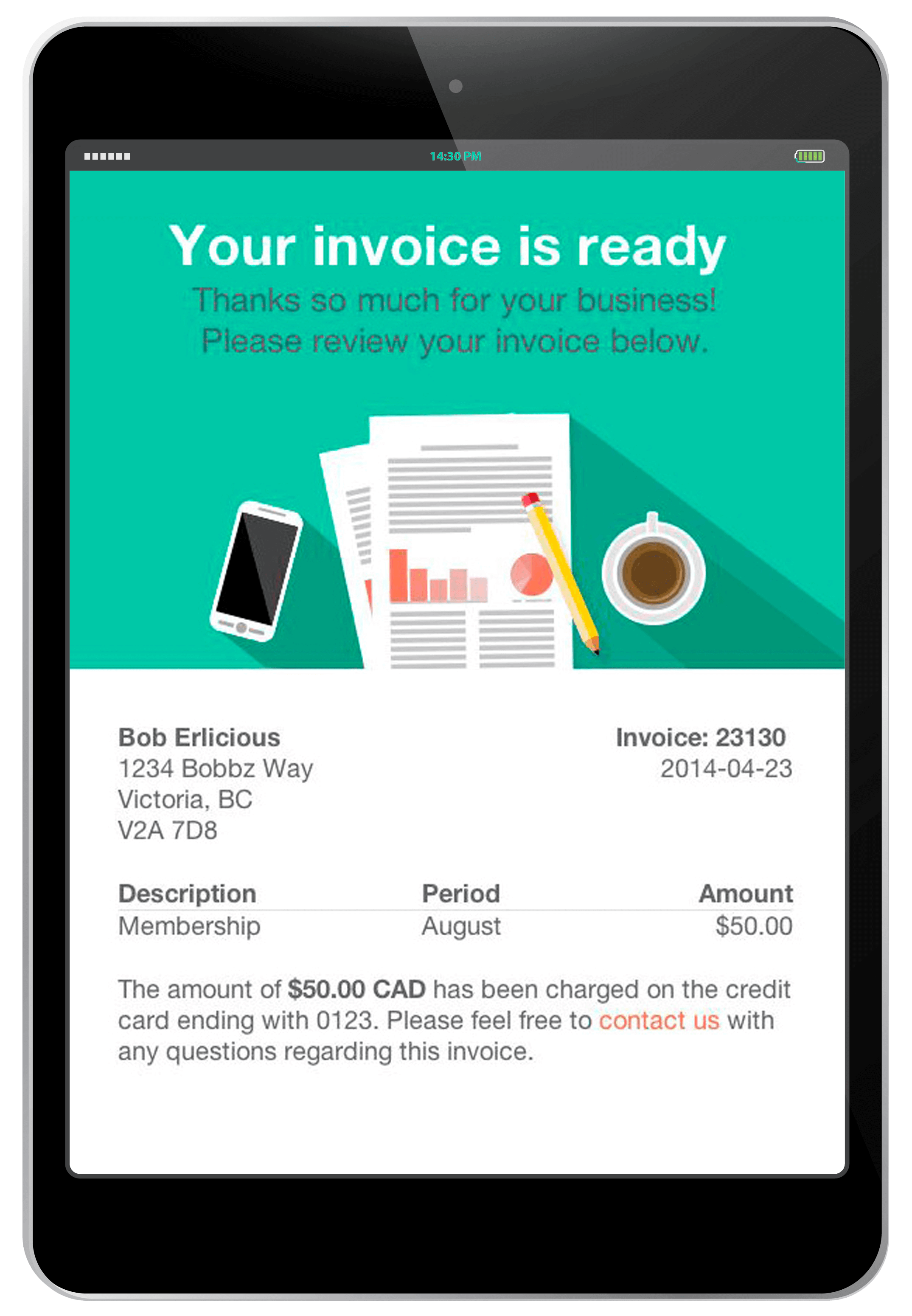
- Automate presentation of invoices via email or post
- Send customizable email newsletters to enhance the customer experience and improve open rates
- Advanced capabilities for pro-rating, late charges, and usage based charges to minimize revenue leakage
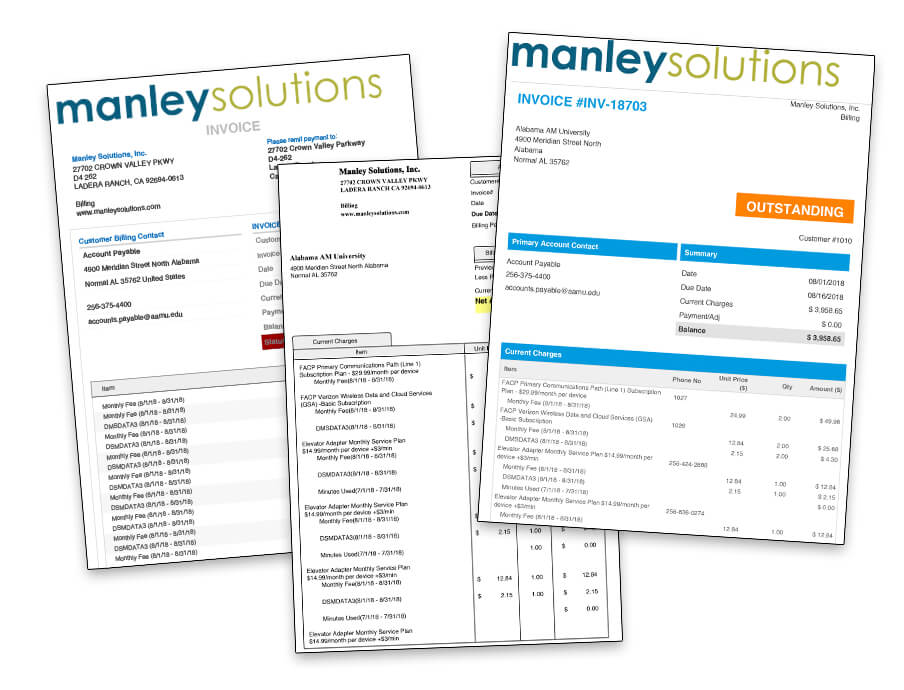
- Customizable PDF templates with your logo
- Manual invoice generation capabilities for unusual cases or customer termination
- Generate prorated invoices for mid-month orders to minimize revenue leakage
- Generate a unified invoice with strong traceability from multiple concurrent orders
- Streamline and automate sales tax with Avalara
Automatic Payments
Provide a simple process for your customers to auto-pay or remit at their convenience, reducing receivable days and providing customer friendly solutions for enhanced client satisfaction and retention.
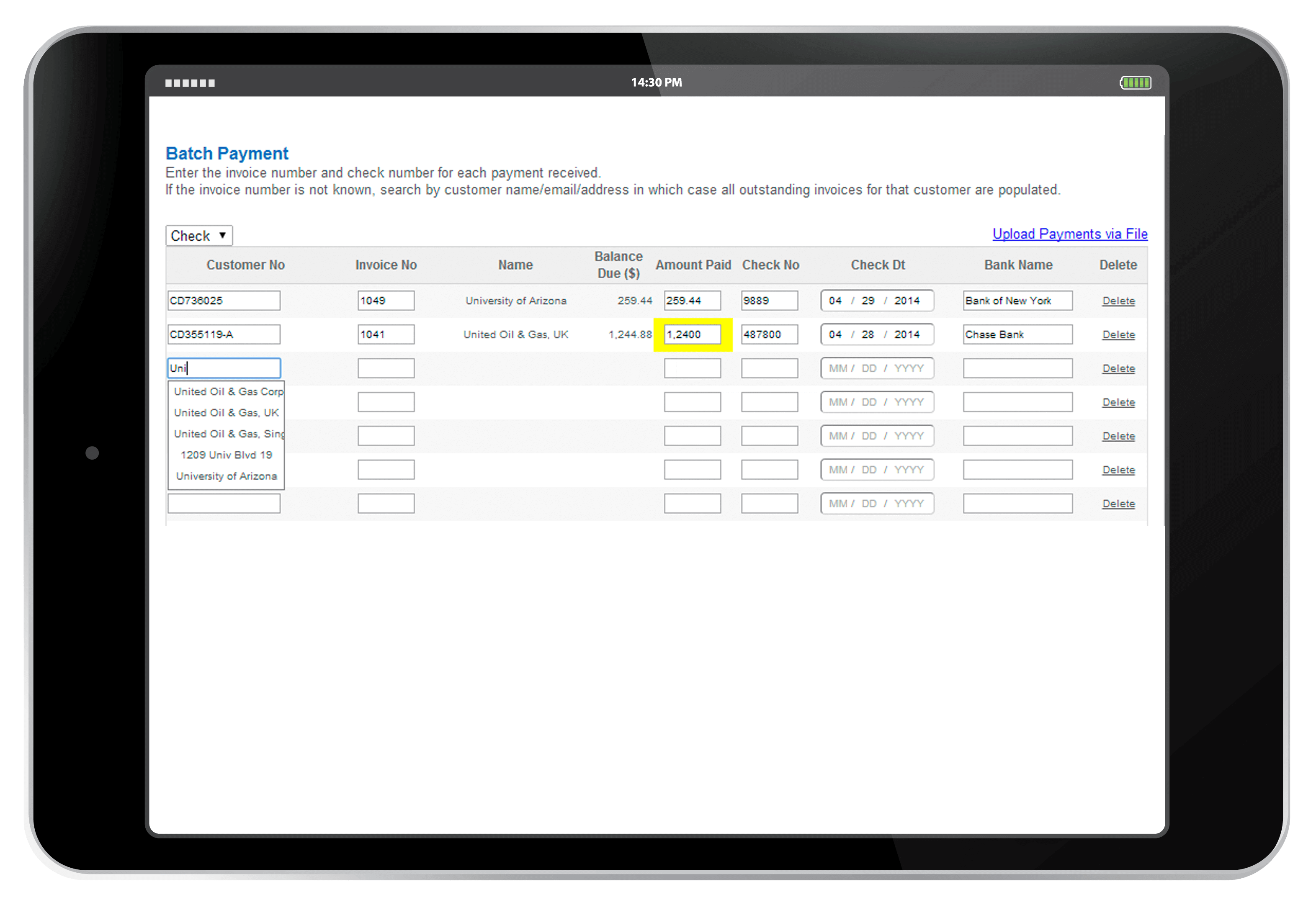
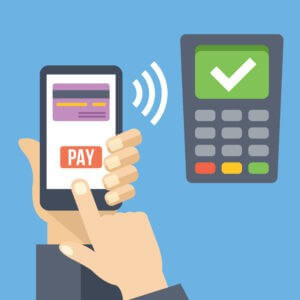 Process payments and manage offline payments to create timely order to cash solutions
- Auto-pay capability reduces days-outstanding and improves cash flow
- BluSynergy employs industry standard practices including encrypted storage and credit card tokenization to provide the security you need
- Auto-updater automatically retrieves replacements from MasterCard/Visa/etc. for expired credit cards
- Credit card processing and ACH bank draft processing are supported via integration with your preferred payment processor
- Autopay automatically charges the customer’s card or bank account for the invoiced amount or manually receive payments to maintain account accuracy regardless of payment method
- Process credit card payments over the phone by direct entry of credit card details
- Process refunds to customer credit cards, bank accounts or apply house credits against future invoices
- Automatic customer notifications for payments processed, overdue status, expiring credit cards, and expiring purchase orders
- Scheduled reports programmed to provide customer payments received, outstanding balances, and overdue invoices
- Capability to filter out aging accounts and to automatically flag customer status as active, overdue, or suspended
- Intelligent payment retries, collections, dunning




Commission Management
For organizations that need to track commissions, royalties and similar payables based on orders or invoices, BluSynergys systems can handle the capture, accrual, and (optionally) the disbursement of these payables.
- Commissioned sales staff that needs to be compensated based on their commission plan.
- Affiliates that drive revenue via the Internet
- ISO (independent Sales Organizations) in the payment industry that are commissioned for add-on products that cannot be handled by their traditional payment processor.
- Resellers and VARS (value added resellers)
Customized Billing
At BluSynergy, we understand that you need to adapt the billing system to meet your requirements. Unlike other software-as-a-service providers that leave you to fend for yourself, we pride ourselves on our ability to extend and customize the software for each client’s needs.
-
Branding and integration with your website
-
Invoice templates and forms
-
Notifications sent to customers. Customize the trigger criteria, the email template, and the notification mechanism
-
Complex promotions
-
Payment processor and other payment types such as PayPal, etc.
-
Recycling / retrying failed payments, especially for consumer credit cards and ACH
-
Pricing rules
-
Reports – design your reports with the fields and totals that you care about
-
Order processing business rules
-
Interest, late fees, penalties
-
Customer status change definitions as part of the aging process
-
Item pricing and automatically including and/or excluding other items
-
Mediation and rating of source data

Supported Payment Processors
The following 3rd party payment processors are directly supported. Click on the logofor details.